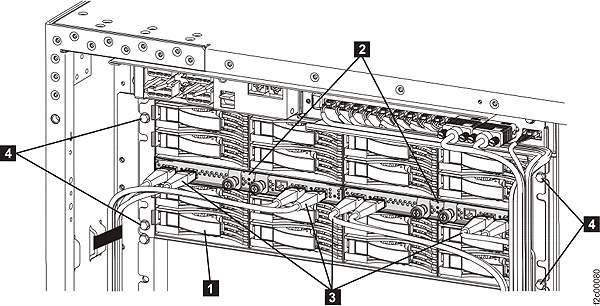
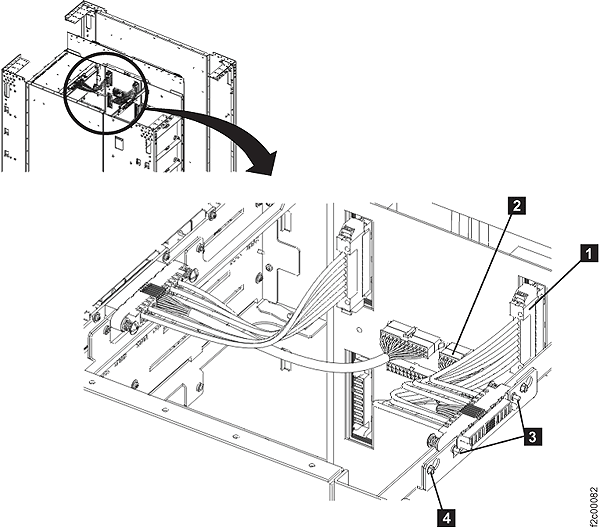
Before you begin
 Use approved ESD procedures to prevent damage.
About this task
Attention:
- This is not a stand-alone procedure. Customer disruption and damage to the hardware might occur if microcode and power boundaries are not in the proper conditions for this service action.
- If you were sent here by a serviceable event FRU repair, the microcode and power boundaries have already been set.
- If you were not sent here by a serviceable event FRU repair, see MAP1230 Replace a FRU without using a serviceable event.
Notes:
Decide if you are going to remove the upper or the lower
bus bars and select the condition that applies:- This procedure is disruptive and requires you to power off the storage facility.
- All the cables and FRUs to be removed must be uniquely identified so they can be reinstalled correctly.
- If an installed earthquake resistance kit prevents you from accessing this FRU, refer to MAP1600.
- You are here to replace a bus bar in the lower half of an expansion rack, go to step 1.
- You are here to replace a bus bar in a base rack, go to Exchange the bus bar, 5/12V secondary upper.
- You are here to replace a bus bar in the lower half of an expansion rack, go to Exchange the bus bar, 5/12V secondary upper.
 to Local (down). This will prevent
the rack from being unexpectedly powered up by the
to Local (down). This will prevent
the rack from being unexpectedly powered up by the 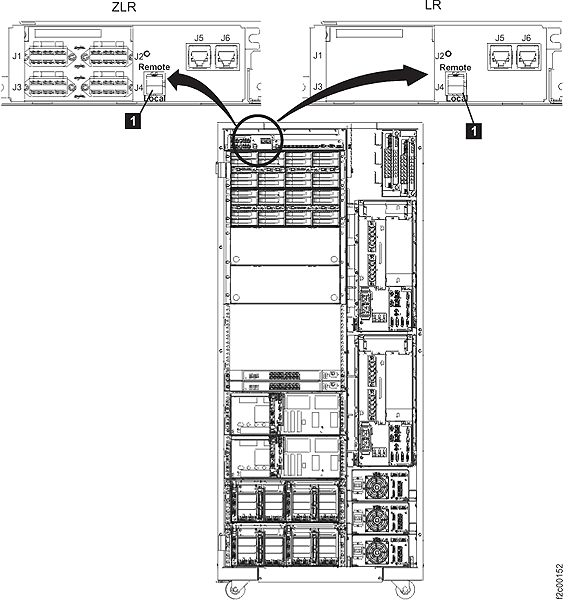
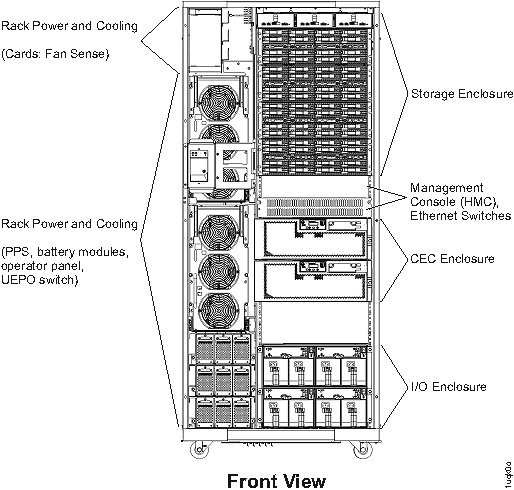
 to the service position.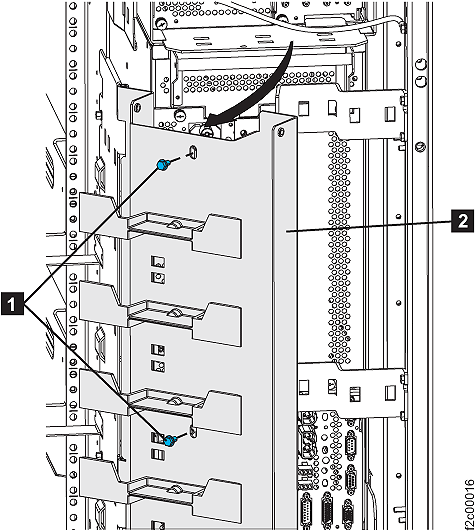
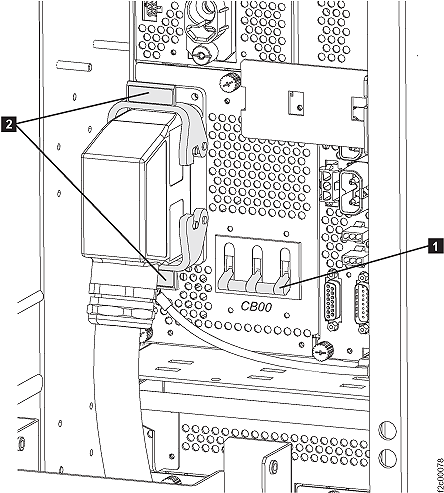
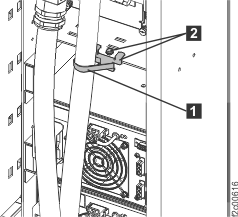
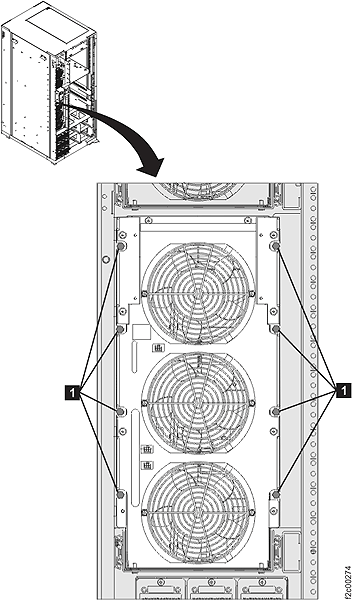
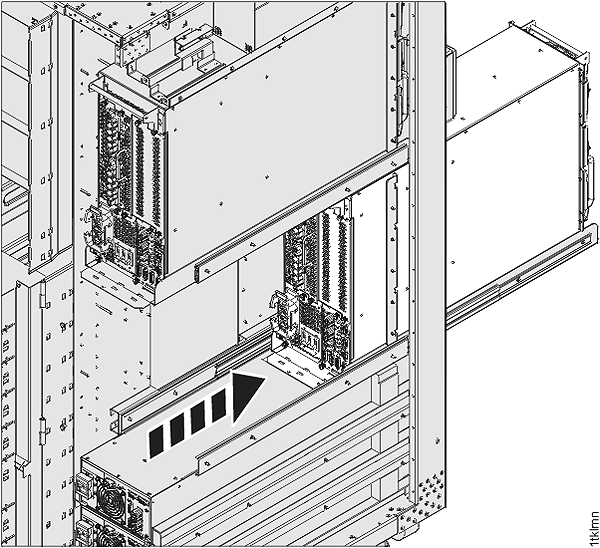
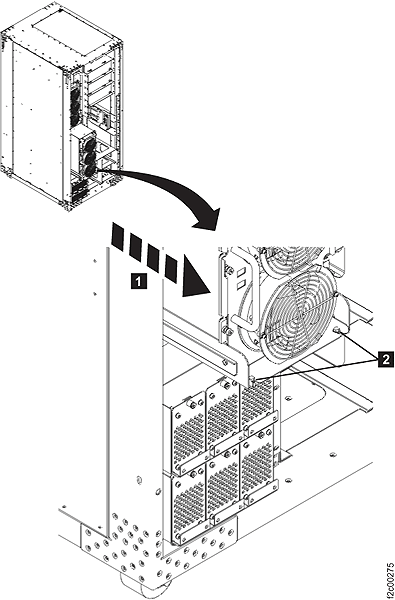
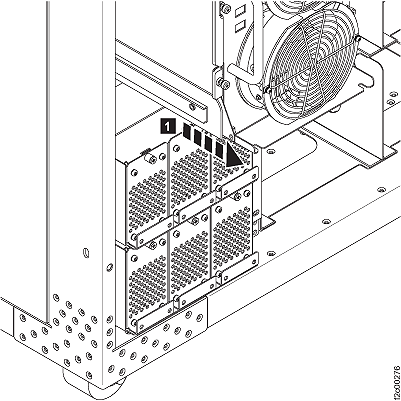
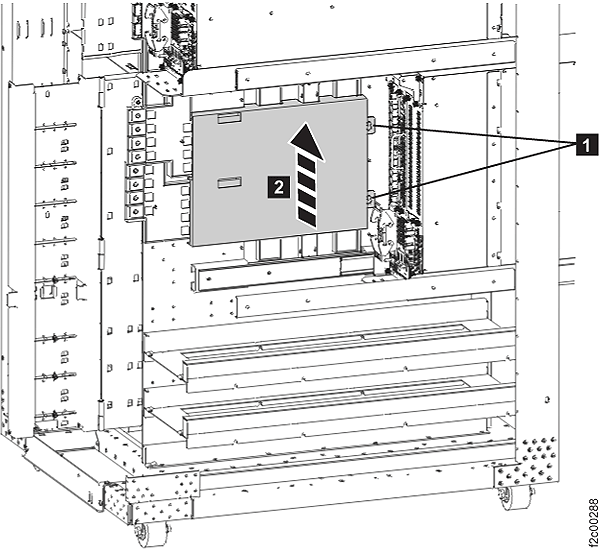
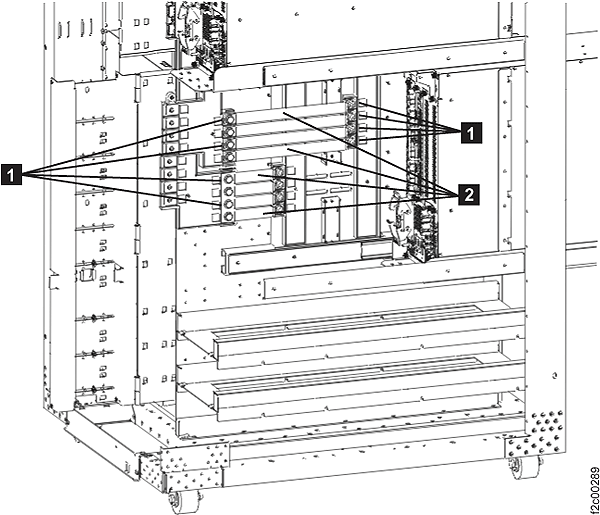
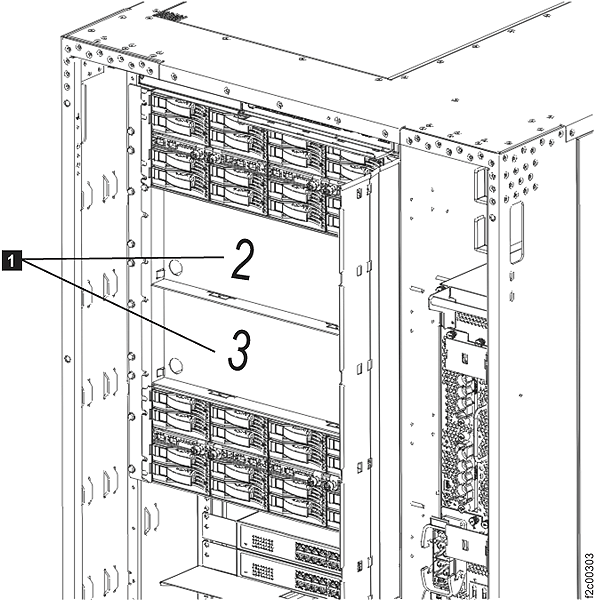
 must be in the exact same position
when reinstalled in later steps. See
must be in the exact same position
when reinstalled in later steps. See  fastening the storage enclosure to
the rack mount rails.
fastening the storage enclosure to
the rack mount rails.