Before you begin
 Use approved ESD procedures to prevent damage.
Attention:
- This is not a stand-alone procedure. Customer disruption and damage to the hardware might occur if microcode and power boundaries are not in the proper conditions for this service action.
- If you were sent here by a serviceable event FRU repair, the microcode and power boundaries have already been set.
- If you were not sent here by a serviceable event FRU repair, see MAP1230 Replace a FRU without using a serviceable event.
Notes:
- All the cables and FRUs to be removed must be uniquely identified so they can be reinstalled correctly.
- If an installed earthquake resistance kit prevents you from accessing this FRU, refer to MAP1600.
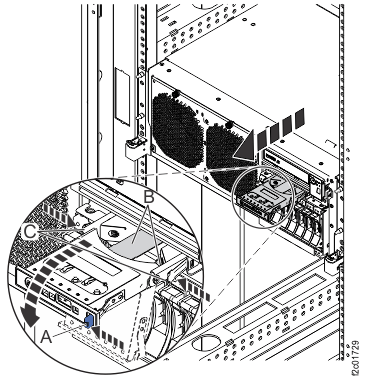
 to the DC-UPS service position
  , as shown in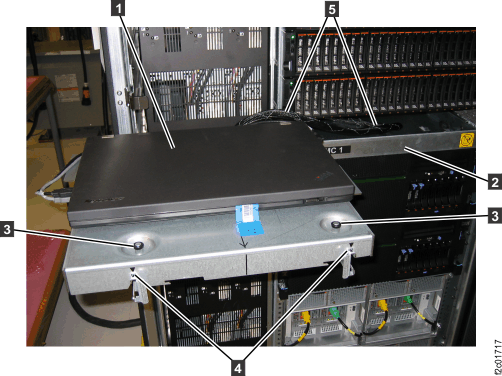
 , as shown in
  , as shown in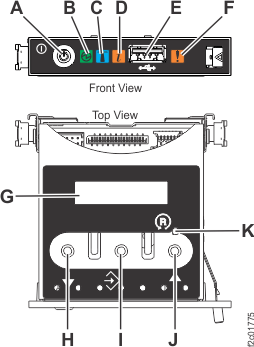
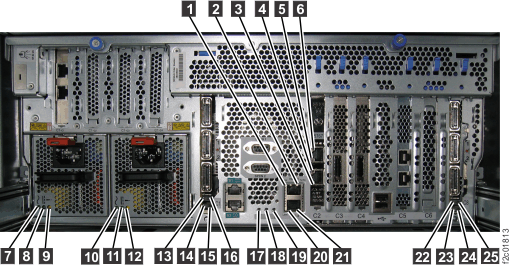
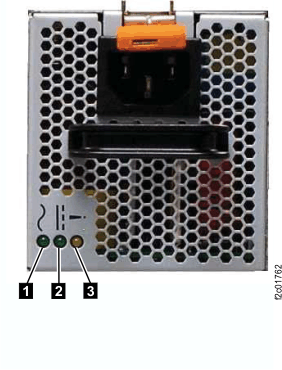
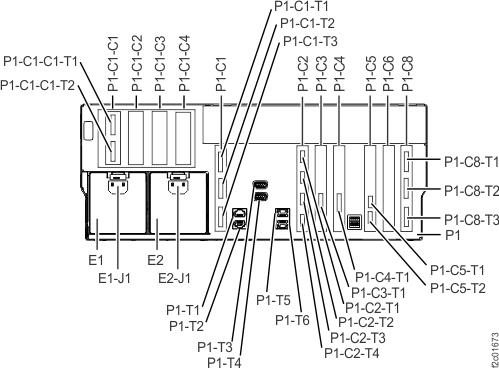
 . See
. See 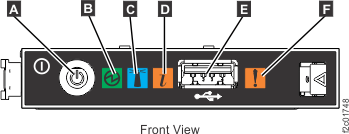
 (if present) that secure the CEC enclosure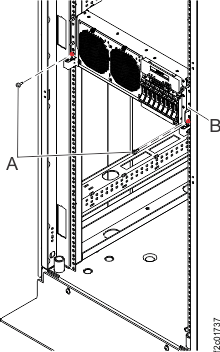
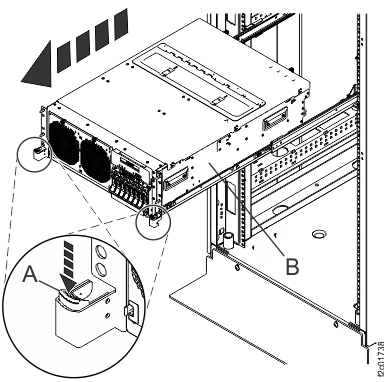
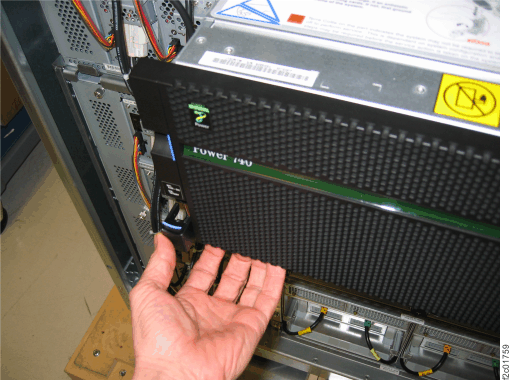
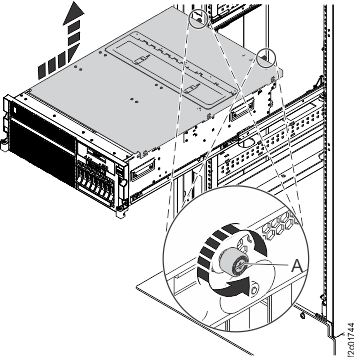
 .
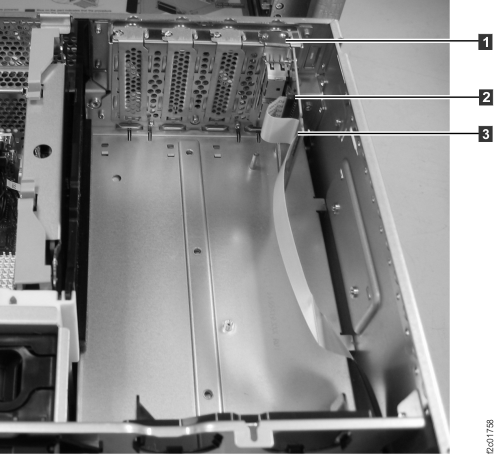
.
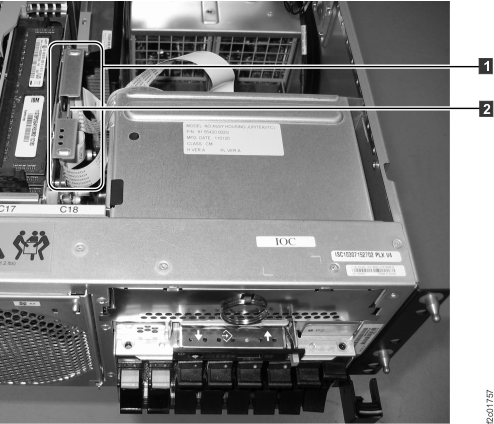
 , was already released from I2C passive
card in a prior step.
, was already released from I2C passive
card in a prior step. , release it from the system backplane.
See
, release it from the system backplane.
See