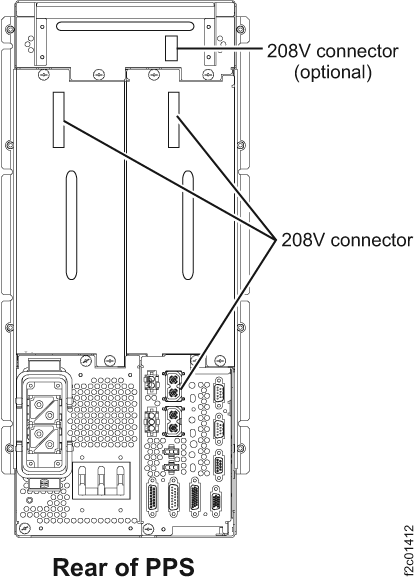
Before you begin
 Use approved ESD procedures to prevent damage.
Notes:
- All the cables and FRUs to be removed must be uniquely identified so they can be reinstalled correctly.
- If an installed earthquake resistance kit prevents you from accessing this FRU, refer to MAP1600.
DANGER
Hazardous
voltage, current, or energy levels are present inside of a component
to which this label is attached. (L001) 
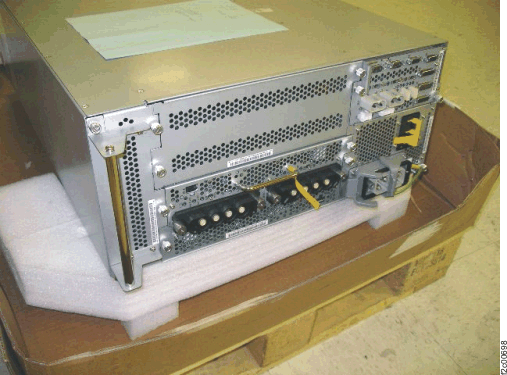
 to identify the
  to identify the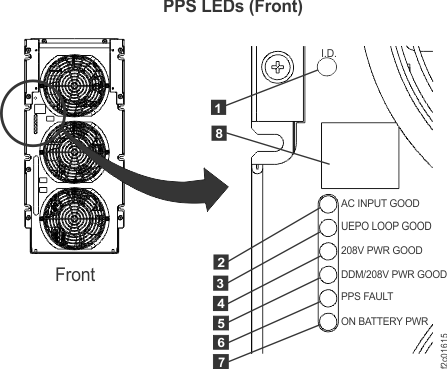
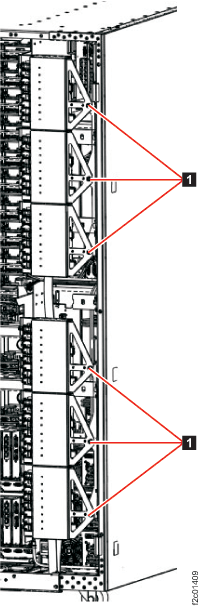
 .
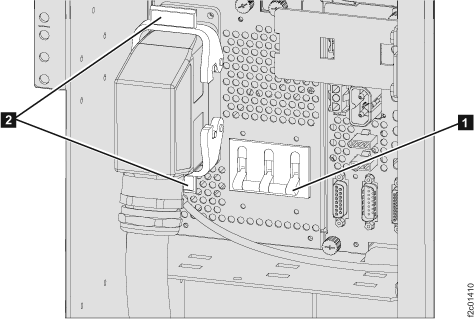
.
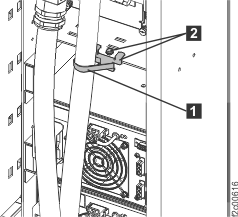
 PPS-to-PPS communication cable at
the bottom right of the PPS sequencer module (see
PPS-to-PPS communication cable at
the bottom right of the PPS sequencer module (see 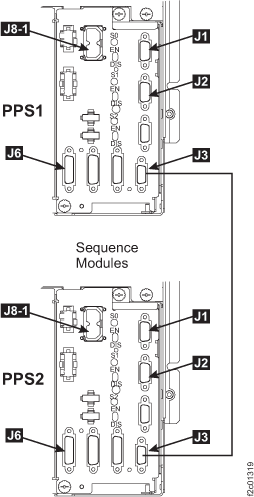
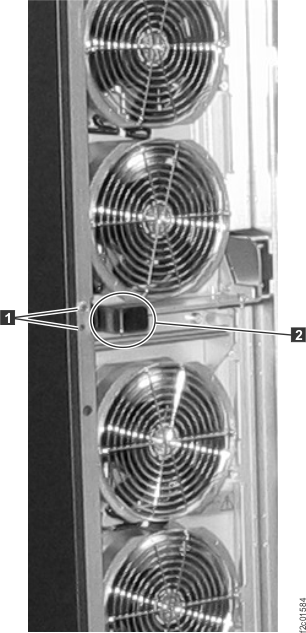
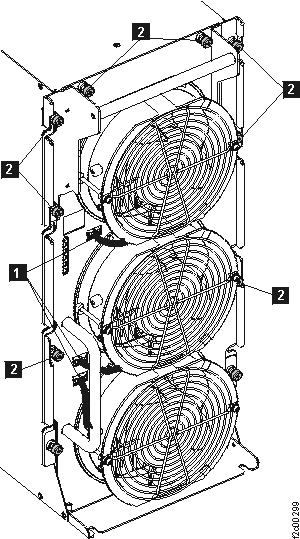
 and the PFC module
  . See
. See 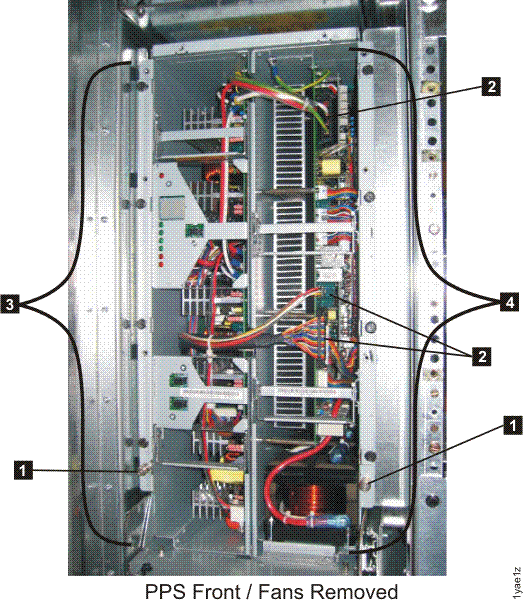
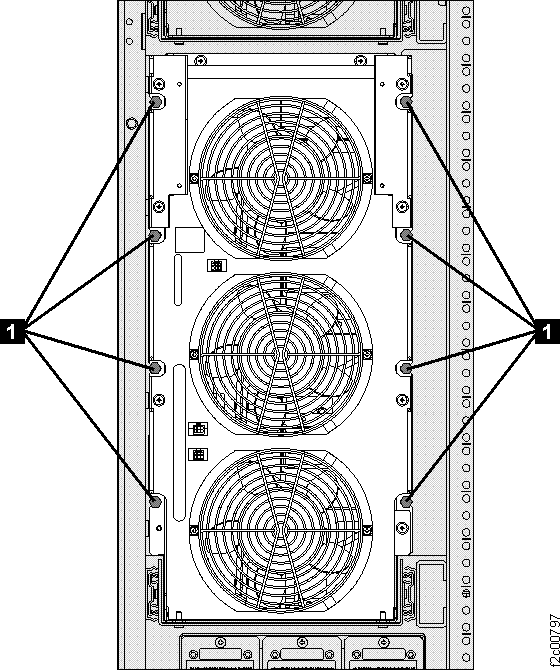
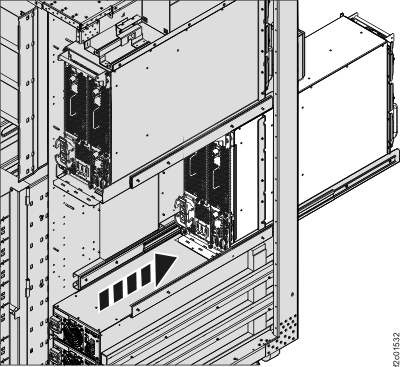
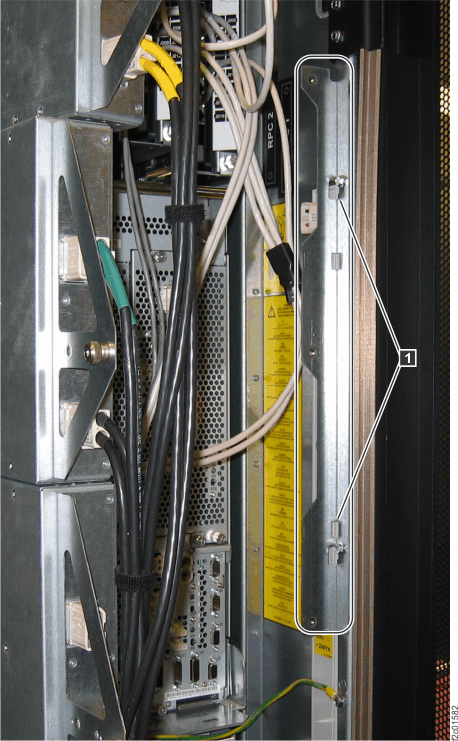
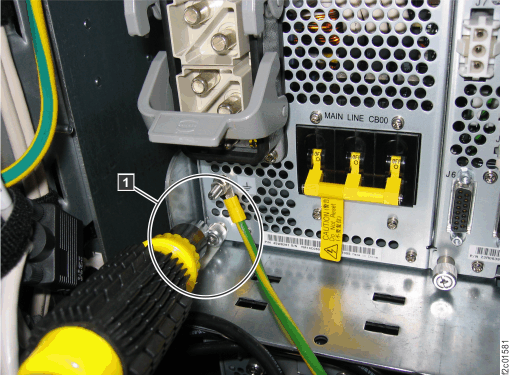
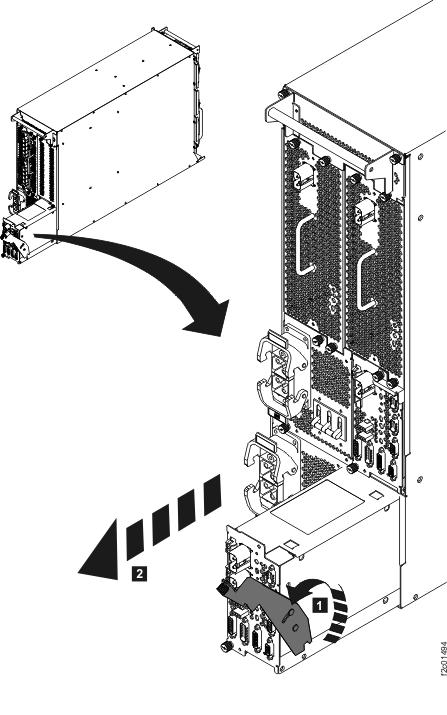
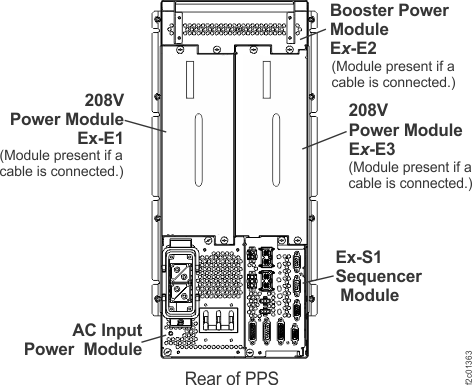
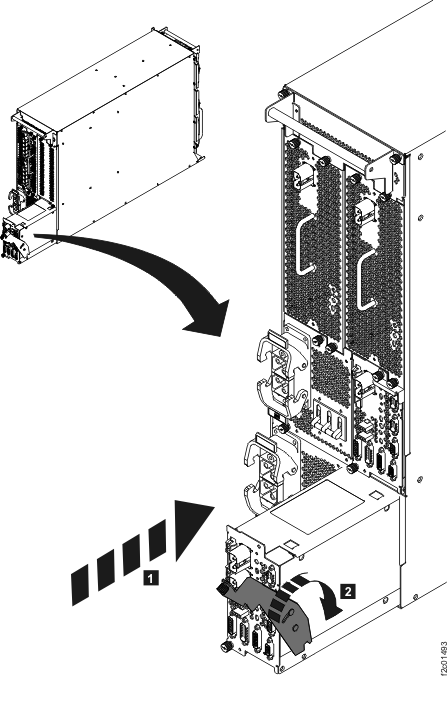
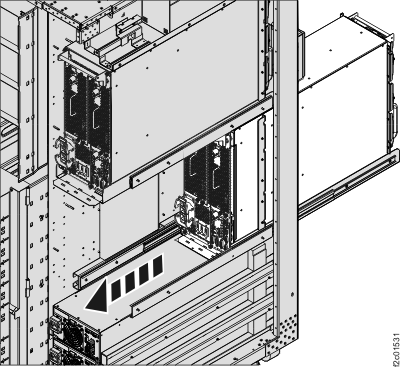
 and
and  cables to the sequencer module.