Before you begin
 Use approved ESD procedures to prevent damage.
Notes:
- All the cables and FRUs to be removed must be uniquely identified so they can be reinstalled correctly.
- If an installed earthquake resistance kit prevents you from accessing this FRU, refer to MAP1600.
DANGER
Hazardous
voltage, current, or energy levels are present inside of a component
to which this label is attached. (L001) 
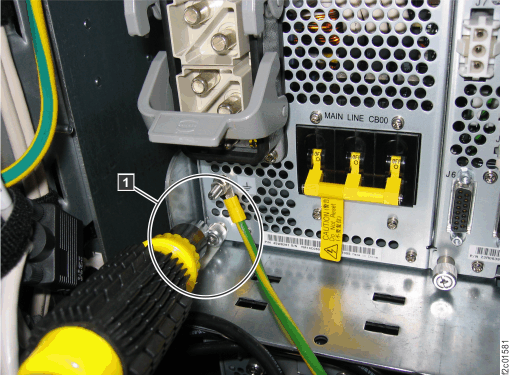
 to identify the
  to identify the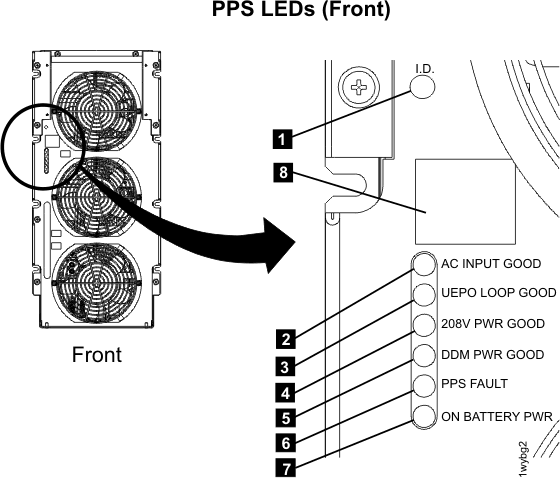
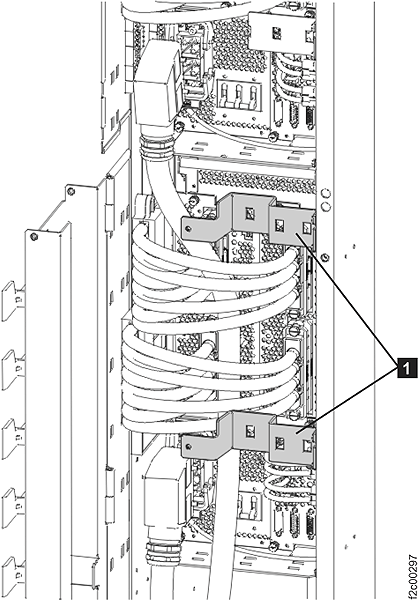
 to the left of the gate and at the
bottom of the storage enclosure chassis might need to be removed to
allow the gate to swing open. Remove the two screws
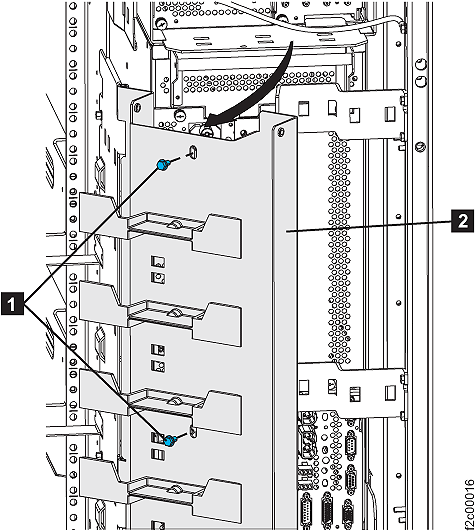
to the left of the gate and at the
bottom of the storage enclosure chassis might need to be removed to
allow the gate to swing open. Remove the two screws 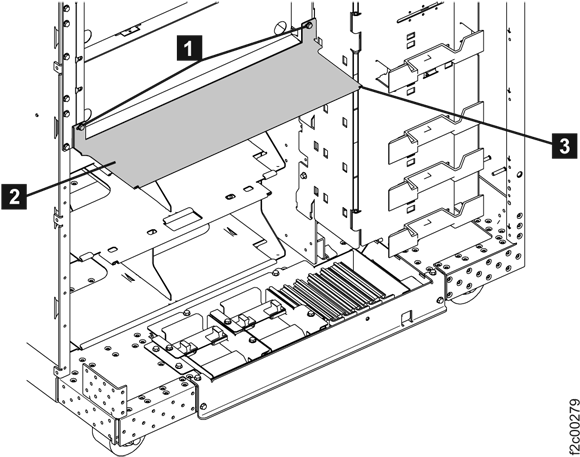
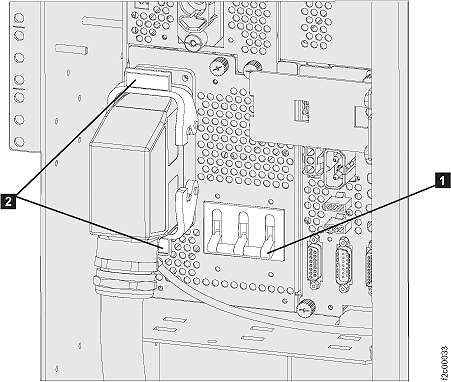
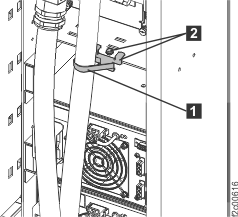
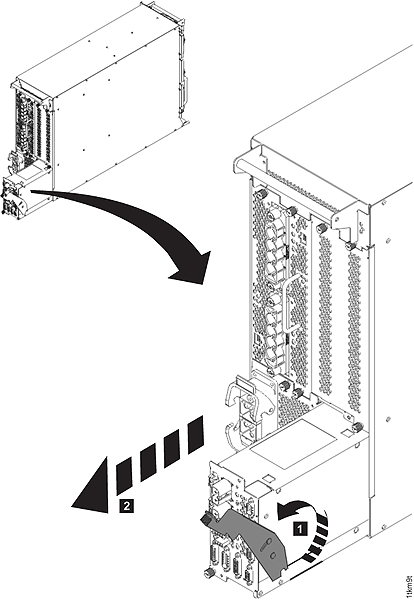
 PPS-to-PPS communication cable at
the bottom right of the PPS sequencer module (see
PPS-to-PPS communication cable at
the bottom right of the PPS sequencer module (see 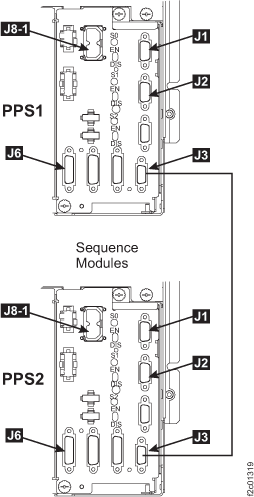
 .
.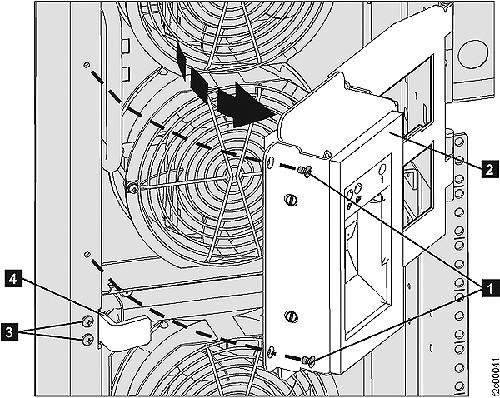
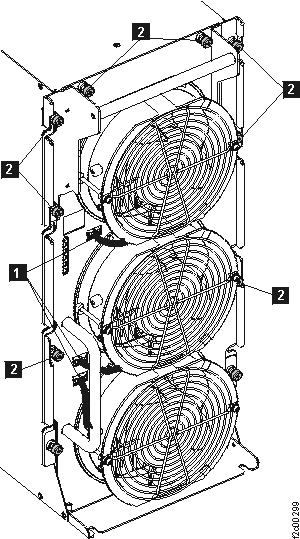
 . See
. See 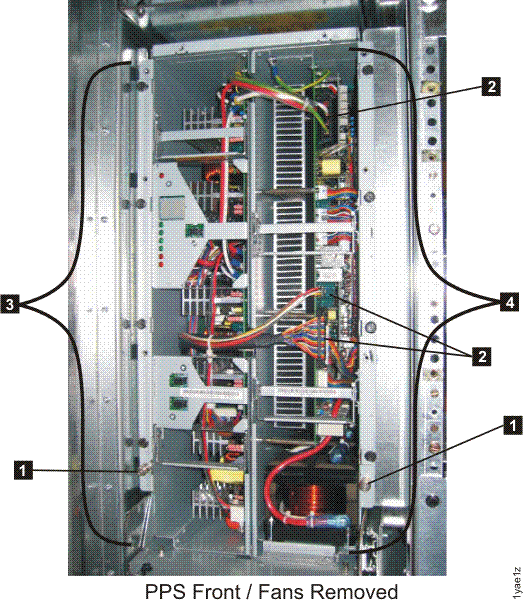
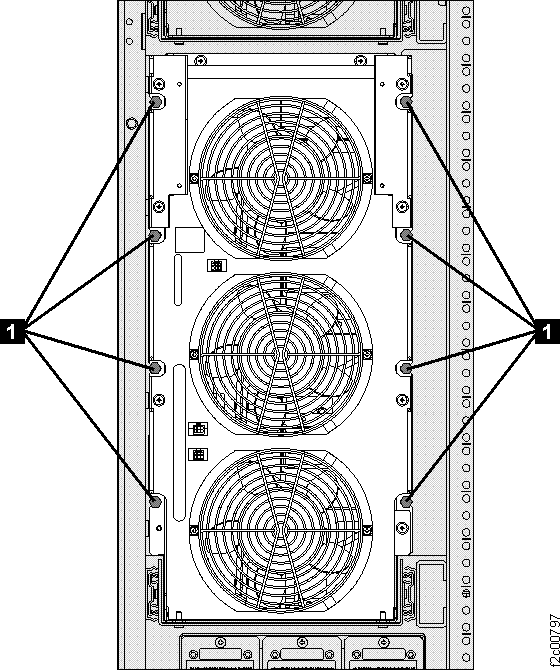
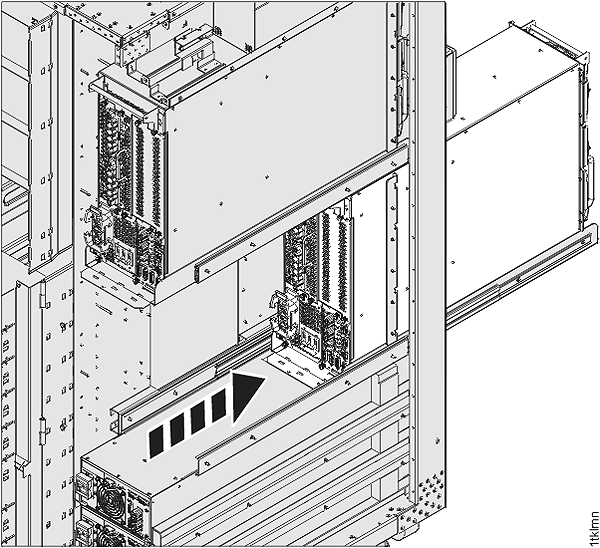
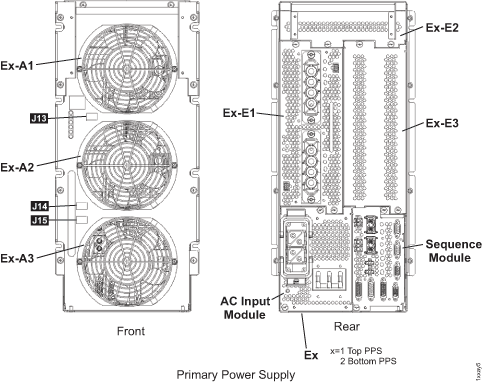
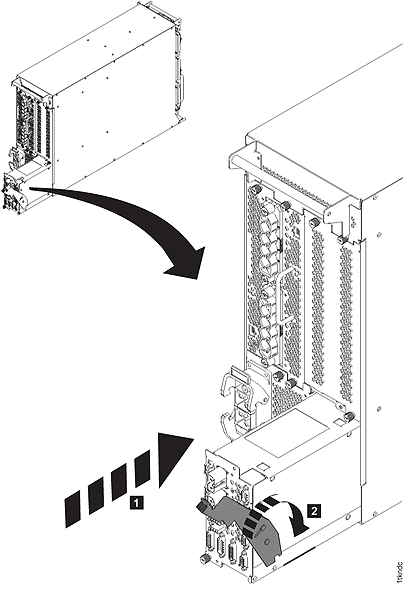
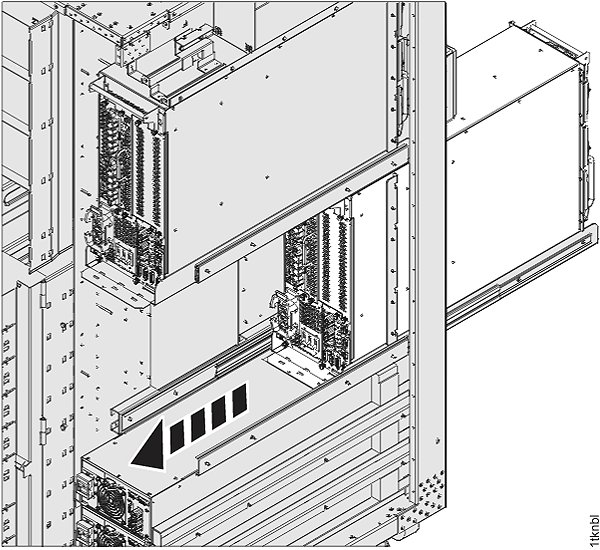
 and
and  cables to the sequence module.