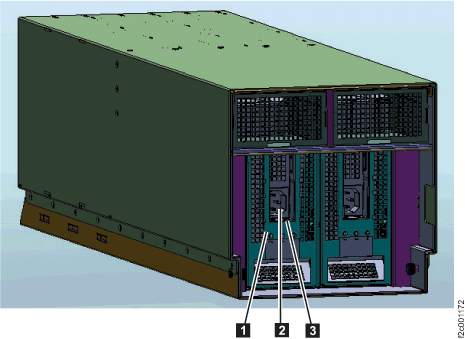
Use these procedures to disconnect the power input cables from each I/O enclosure for Rack-2.
Procedure
- At the bottom front of Rack-2, disconnect both power input
cables from each I/O enclosure. Figure 1. Rack-2 I/O enclosures (front view)
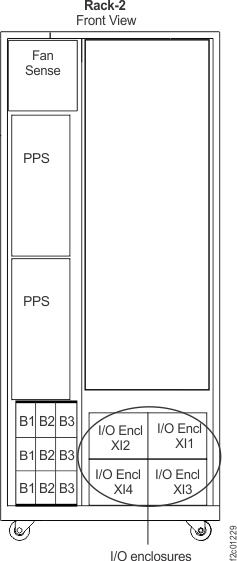 Figure 2. I/O enclosure power supply, power connector, and handle