Use this section to complete the safety inspection.
Before you begin
CAUTION:
Do not attempt to switch on power to the machine until
all unsafe conditions are corrected. (1050)
CAUTION:
Assume that an electrical safety hazard is present.
Perform all continuity, grounding, and power checks specified during
the subsystem installation procedures to ensure that the machine meets
safety requirements. (1051)
Note: This notice is translated into selected languages. See IBM® Systems Safety NoticesG229-9054-xx.
Procedure
Perform one of the following steps to complete the inspection:
- Installation: return to "Installing".
- Relocate or discontinue:
- Perform all the electrical safety checks. See Performing the power and safety checks.
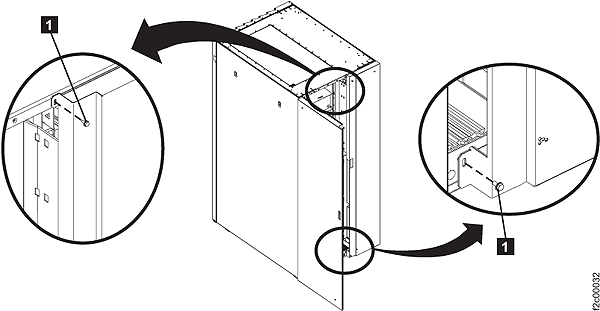
- Reinstall the two screws 1 on the
rear left machine cover. See Figure 1.Note: The screws must be installed to prevent non-service personnel from accessing a hazardous section of the machine.Figure 1. Removing retaining screws on right rear machine cover