DS8000 Service Documentation Version 7.5
MAP1100 Section-9 Storage Facility Object
Procedure
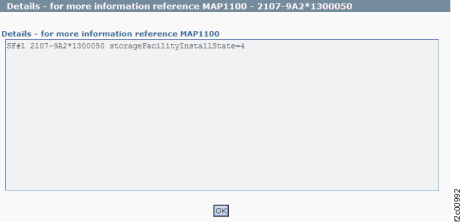
- Figure 1 is
an example of the detail window for the storage facility object
(in this example, an error condition is not shown).
Figure 1. Window: Storage
facility object details
- Description: The status of the storage facility install
state is not "installed."
- Action: Ensure that the storage facility is
complete. If this fails, contact your next
level of support. The
next level of support must remotely connect to
repair this condition.
- For next level of support only: The IBM.EssStorageFacility
object for the storageFacilityInstallState must be 4 (installed).
If this value is not 4, the check fails. See Table 1 for
the storage facility states
that are possible:
Table 1. Storage facility states| State |
Meaning |
|---|
| 0 |
New hardware |
| 1 |
Hardware ready |
| 2 |
Ready for SFI Genesis |
| 3 |
Ready for field install |
| 4 |
Field install complete |
| 5 |
Error |