Note: If the Large File Transfer (the tenth System Check
Type status from the top) is FAILED, this System Check Type cannot
be displayed.
Procedure
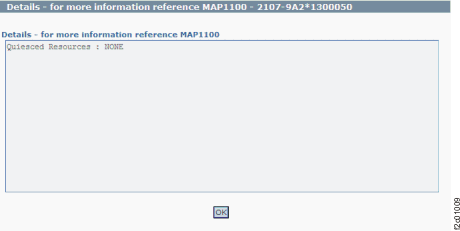
Figure 1 is
an example of the detail window for the quiesce resource (in this
example, an error condition is not shown).
Figure 1. Window: Quiesce
resource details
Description: Resources are automatically quiesced
(removed from customer use) during normal service activities such
as replacing a FRU. The resources are automatically resumed (returned
to customer use) at the end of a successful service action.
Action: Ensure that all service actions have been
completed. If the condition still exists, identify the part (FRU)
associated with the resource that is quiesced. Use the HMC exchange
part menu option to do a pseudo replacement of that part. Do not
actually replace the part.