Note: If the Large File Transfer (the tenth System Check
Type status from the top) is FAILED, this System Check Type cannot
be displayed.
Procedure
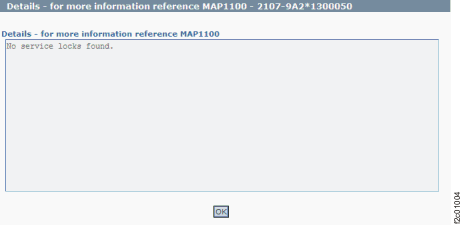
Figure 1 is an example
of the detail window for the systems power on option (in this example,
an error condition is not shown).
Figure 1. Window: Service
locks details
Description: Service Locks are HMC marks-on-the-wall
that are used to prevent simultaneous service actions on the same
FRU. Service locks are set when a repair action begins, and they
are reset when a repair action ends. If a simultaneous repair action
is attempted, the user is informed that the action is not allowed
because the FRU is already locked by another service action.
Action: After all service actions that are in progress
are complete, the service locks should reset and clear this condition. If the condition is still present,
the service locks can be reset by restarting the HMC. Next level of
support can use the PE login ID to reset the locks by using theStorage Facility Management > storage facility > Service
Utilities > Reset Service Locks menu option.