Note: If
the Large File Transfer (the 10th System Check Type status from the top) is FAILED, this
System Check Type cannot be displayed.
Procedure
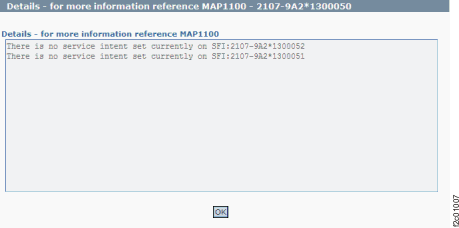
Figure 1 is
an example of the detail window for the "service intent" when a DA
card FRU is being replaced. This figure shows the displayed status
for a model 9A2,
dual SFI. Notice that status for both SFIs is displayed.
Figure 1. Window: Check
service intent details
Description: Service intent is the HMC marks-on-the-wall
that is used to prevent the customer from doing logical configuration
when a DA card is being replaced. Service intent is set at the same
time that "service lock" is set and is reset when "service
lock" is reset.
Action: After the DA card service actions that are
in progress are completed, the service intent should be automatically
reset and this condition cleared. Then the customer should be able
to do logical configuration. If the condition is still present, a restart of
the HMC will not clear the flag. To reset the service intent:
From the navigation area, click Storage Facility Management > storage
facility > SF image.
From the bottom Task area,
click Service Utilities > Reset
Service Intent.